•
Travel Journal
Blog Posts
•
•
•
•
•
Travel Journal
Pin Traveler Blog

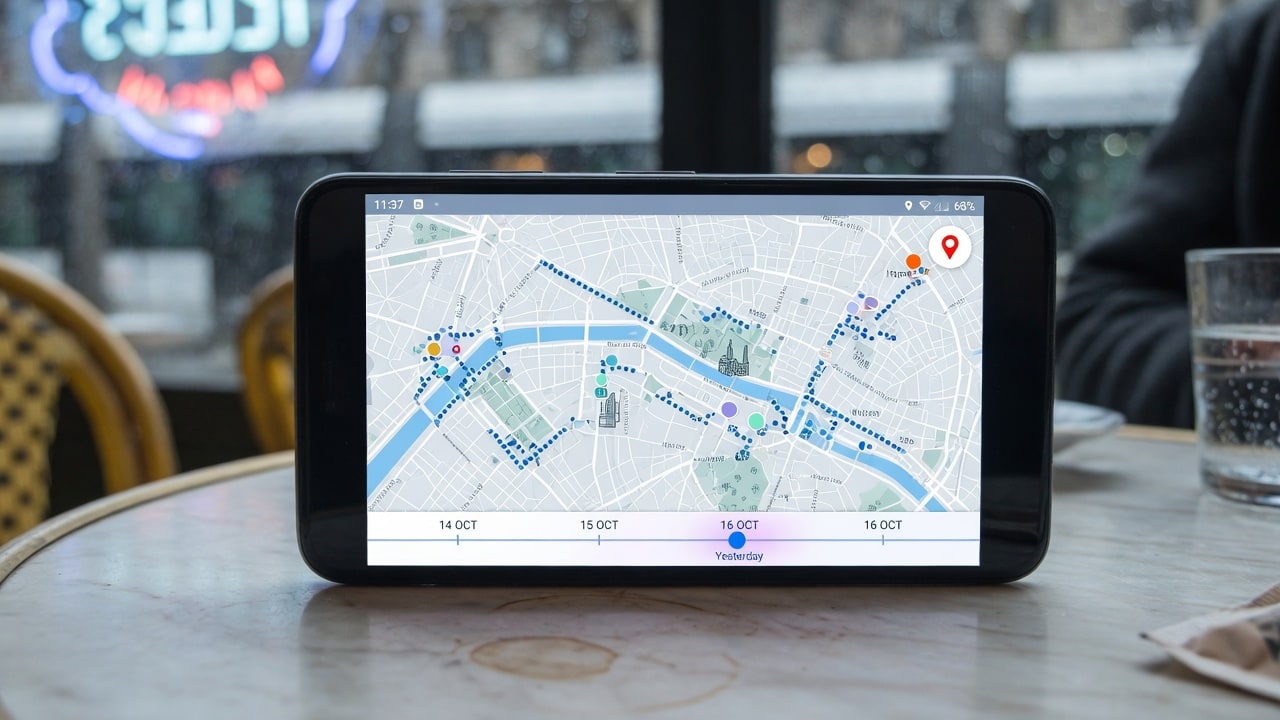
For about a decade, Google Maps Timeline was the quiet answer to "where have I been?" You didn't set it up and you didn't maintain it. It just accumulated, and if you ever needed to know what you did in March 2018, it was there.
It isn't anymore. And most people found out the way you find out a backup failed — by going to look for something and discovering it's gone.
Here's what actually happened, what you can still salvage, and how to rebuild a travel record that doesn't depend on a company's product decisions.
Three things, over about eighteen months.
1. The web version was discontinued. Timeline used to be accessible in a browser, which is where most people did anything serious with it — scrolling through years, cross-referencing dates. Google announced in 2024 that Your Timeline on the web was going away. It's now app-only.
2. History moved from the cloud to your device — and most of it was deleted in the move. Google shifted location history from server-side storage to on-device storage. The stated reason was privacy, and as a privacy decision it's defensible. The problem was the default: only the most recent three months were downloaded to the device. Everything older was erased.
Users were notified and given roughly six months to save their data before their individual deadline. Plenty of people never saw the notification, or saw it and filed it under "deal with later." The final cutoff was June 2025.
3. Then a bug deleted more of it. In March 2025, users who had migrated correctly — followed the instructions, kept Timeline enabled, hadn't turned on auto-delete — found their history simply gone. Google confirmed it: a technical issue had deleted Timeline data. People with encrypted backups could restore manually. People without them lost years permanently.
So the situation now: no web access, no cloud archive, device-only storage, three months by default, and a demonstrated case of the data vanishing even when you did everything right.
Timeline still works for recent movement. What's gone is its role as the long-term archive of your travel history — which, for most people, was the only reason it mattered.
Before assuming the worst, spend five minutes on this. Some people have more left than they think.
On your phone: open Google Maps → tap your profile picture → Your Timeline. Scroll back as far as it goes. Note the earliest date you can actually reach.
Check for a backup you forgot you made: in Timeline settings, look for backup options. If encrypted backups were enabled at any point, there may be data to restore. Google's own Timeline help page covers backup and restore.
Try Google Takeout regardless. Go to takeout.google.com, select Location History, and request an export. If anything survived server-side or in a backup tied to your account, this is where it surfaces. You'll get JSON — awkward to read, but complete.
Do this today rather than eventually. Whatever is left is on a device that can be lost, broken or replaced.
Here's the thing worth internalising — Timeline was never a complete record anyway. It only ever knew where your phone was, from the date you enabled it. Travel before smartphones, trips where your battery died, the week you left your phone in the hotel: none of that was ever in there.
So rebuilding isn't only damage control. Done properly it produces something better than what you lost.
Work through these in order. Each one jogs memories the next one confirms:
Most people reconstruct fifteen years of travel in about two hours with these open side by side. We also walk through this method in How to Track Every Country You've Visited.
The lesson isn't "Google is unreliable." It's that an automatic byproduct of using a free service is not a record. Timeline was never designed to be your travel archive — it was a feature that happened to be useful, and features get changed.
A real record has three properties Timeline lacked:
That last one matters most and gets checked least. Before committing years of history to anything, find out how you get it back out.
For the ongoing record, a destination tracker is the natural home — an app whose entire job is holding this. Pin Traveler works well for a rebuild specifically: you're entering a backlog rather than tracking a live trip, and the free tier doesn't cap how much you record, so an entire reconstructed history goes in without paying. You pin cities, with countries and U.S. states alongside, and it gives you the counts, percentages and continent statistics Timeline never had — in a map that's meant to be looked at rather than parsed.
The trade compared to Timeline: you do the logging. Google recorded without asking, which was the whole appeal, and no manual app replicates that. What you get in exchange is a record that reflects actual travel, survives changing phones, and doesn't disappear because someone shipped a bad migration.
Worth saying plainly: whatever you choose, keep an export somewhere. That's the actual lesson here, and it applies to us as much as to Google.
| Timeline (before) | Timeline (now) | A destination tracker | |
|---|---|---|---|
| Effort | Zero | Zero | Manual |
| Web access | Yes | No | Usually |
| Cloud archive | Yes | No — device only | Yes |
| History retained | Years | 3 months by default | Everything you enter |
| Pre-smartphone travel | No | No | Yes, if you enter it |
| Country count | No | No | Yes |
| Shareable map | No | No | Yes |
| Survives losing your phone | Yes | Only with backup | Yes |
Most likely the migration from cloud to on-device storage, which by default kept only the most recent three months and deleted older history. Separately, a technical fault in March 2025 erased Timeline data for some users who had migrated correctly — Google confirmed this at the time.
If you enabled encrypted backups, you may be able to restore through Timeline settings. Without a backup, data deleted in the migration or the 2025 fault is generally not recoverable. Try a Google Takeout export to see what remains.
Yes, on mobile, storing data on your device. The web version was discontinued and it no longer functions as a long-term cloud archive.
Open Google Maps, tap your profile picture, select Your Timeline. Expect only recent history unless you saved your data before the cutoff. For a complete picture, rebuild from passport stamps, geotagged photos, booking emails and card statements.
Through Google Takeout at takeout.google.com — select Location History and download. You'll receive JSON files.
For automatic route tracking on live trips, Polarsteps or FindPenguins. For a permanent record of everywhere you've been, a destination tracker such as Pin Traveler. They solve different halves — Timeline was doing both badly rather than either well.
Use something whose stated purpose is holding this data, check that it offers an export before you commit years to it, and take an export periodically. Any free byproduct of another service can be changed or withdrawn.

Nine apps for tracking where you've been, compared on what they actually record, what they cost, and who each one suits. Tested August 2026.
2026-08-04
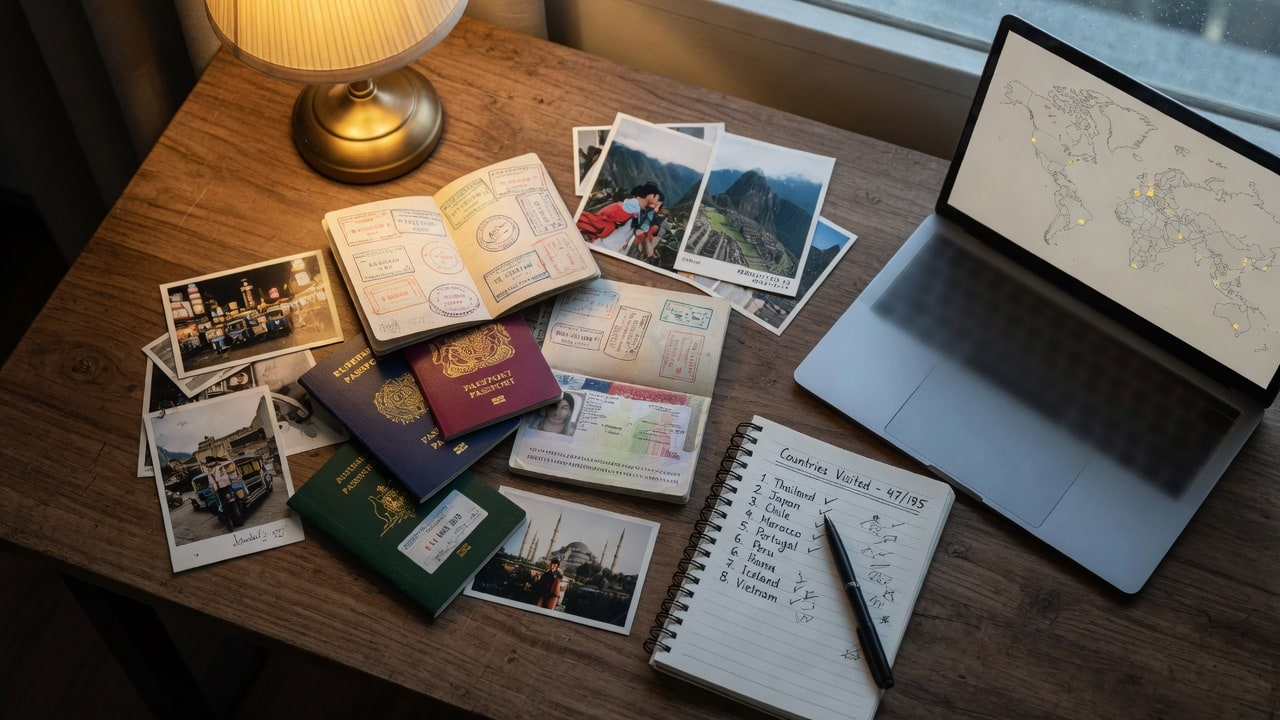
Five ways to build a record of everywhere you've been — paper, scratch map, spreadsheet, Google Maps, or an app — and how to reconstruct a history you never wrote down.
2026-08-04
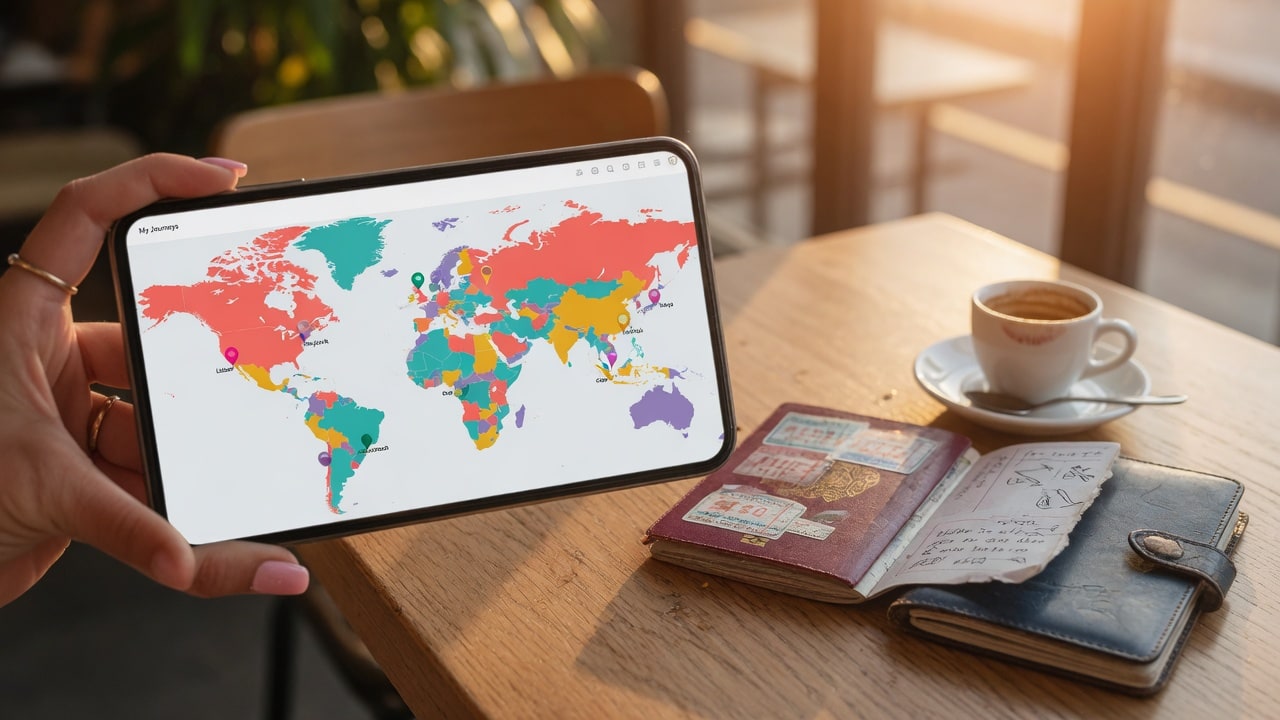
A travel tracker app records the destinations you have visited on a map and turns them into a permanent, measurable record. Here's what they do, how they differ from journals and planners, and how to choose one.
2026-08-04