•
Travel Journal
Blog Posts
•
•
•
•
•
Travel Journal
Pin Traveler Blog

"Free" means at least four different things in this category, and the difference matters more than any feature comparison.
Before the list, here's the taxonomy, because most roundups skip it and it's the thing that actually causes buyer's remorse:
Type 2 is what most people actually want. Type 3 is what most app store search results give them. We've labelled every app below.
| App | Free type | What the free version gives you | What you pay for |
|---|---|---|---|
| Pin Traveler | Free tier | Unlimited pins (cities, countries, states), colour-coded maps, travel stats | Photo uploads, custom pins, saved locations |
| Polarsteps | Free tier | GPS route tracking, trip journaling | Advanced features, print products |
| FindPenguins | Free tier | Automatic footprint logging, trip journals | Premium extras |
| Wanderlog | Free tier | Trip planning, itineraries, collaboration | Pro features, offline access |
| Apple Journal | Genuinely free | Journaling on iPhone | — |
| Google Maps Timeline | Genuinely free | Automatic location history | — |
| Been | Free trial→sub | Limited | $4.99/week or $19.99/yr |
| Visited | Free but capped | Limited country marking | $3.99/mo, $34.99/yr, $59.99 once |
Checked August 2026. Pricing and tier structures change frequently in this category — verify before installing.
Free type: free tier (type 2).
The thing that makes Pin Traveler's free version unusual is that the core function isn't capped. You can pin unlimited cities, countries and U.S. states without paying, get the colour-coded world map, and see your travel statistics — most-visited destination, furthest distance, continent breakdown.
Most apps in this category put a number limit on the free tier precisely because the number is the point. Pin Traveler puts the limit somewhere else: photos, custom pin colours and styles, and saved locations are premium.
That's a reasonable trade. If what you want is a map of everywhere you've been and a percentage to quote at dinner, you never have to pay. If you want the map to be yours — your colours, your photos attached to each pin — that's the upgrade.
What you give up on free: photo uploads. If your mental model of a travel tracker includes attaching pictures to destinations, you'll hit this quickly.
Available on iOS, Android, iPad, Mac and Vision Pro, in six languages.
Free type: free tier (type 2).
Polarsteps' free version includes the thing it's famous for: automatic GPS route tracking that draws your journey without you doing anything. That's a lot to give away free, and it's why Polarsteps is the default recommendation in most "free travel app" conversations. (We compared both approaches in Pin Traveler vs Polarsteps: A Practical Comparison, and curated the best Polarsteps alternatives in 2026).
What you give up on free: the print products and some advanced features sit behind a subscription ($9.99/month, $34.99/year).
The real cost isn't money. It's background location access and battery. Also worth knowing: Polarsteps leans social, and the sharing defaults are more public than some people expect. Check your privacy settings on day one.
Free type: free tier (type 2).
The closest free equivalent to Polarsteps' feature set, across both iOS and Android. Automatic footprint logging plus trip journals. Less polished visually, more capable functionally.
Free type: free tier (type 2).
Worth including because a lot of people searching for "free travel tracker" actually want to organise an upcoming trip, not record a past one. Wanderlog's free tier covers itineraries, collaborative planning and shared budgets, which is more than most paid planners offer.
It does not track where you've been. Different job.
Free type: genuinely free (type 1).
If you had location history enabled, Google spent years silently recording where you'd been. No app to install, no subscription. For a long time this was the honest answer to "why would I pay for a travel tracker?"
That answer expired. Google discontinued Timeline on the web, moved history from the cloud to your device, and by default kept only the most recent three months — deleting everything older. A separate technical fault in 2025 then erased data belonging to users who had migrated correctly. Timeline still works for recent movement; it is no longer a long-term record of your travel.
And even before that, it wasn't enough for most people: it's a log, not a map you'd show anyone. No "countries visited" count, no percentage, no way to distinguish a city you explored from a petrol station you stopped at. It records location; it doesn't record travel.
Full story, including how to recover what's left, in Google Maps Timeline is gone — how to track your travel history now.
Free type: genuinely free (type 1).
Apple's built-in journaling app is free and decent for writing about trips. It has no map, no country tracking, no statistics, and doesn't exist on Android. Include it in your setup if you journal; don't expect it to replace a tracker.
Been offers a limited free experience and then asks for $4.99 per week or $19.99 per year. The weekly price is the one to watch — it's easy to accept and expensive to forget about. The annual price is genuinely cheap. Read our direct head-to-head in Pin Traveler vs Been: A Practical Comparison.
Visited caps the free version and prices upgrades at $3.99/month, $34.99/year, or $59.99 lifetime. If you like curated checklists it may be worth it, but it isn't a free app in the sense most people mean. See our breakdown in Pin Traveler vs Visited: A Practical Comparison.
Neither of these is doing anything wrong. Both are just structured so that the free version demonstrates the product rather than being the product.
For automatic route tracking, Polarsteps and FindPenguins both have free tiers that include the core feature. For a permanent map of everywhere you have been, Pin Traveler's free tier allows unlimited pins with no cap. Google Maps Timeline needs no installation but no longer retains long-term history.
Any app doing automatic tracking needs background location access. Manual-entry apps like Pin Traveler, Visited and Been don't require it at all, which is the strongest privacy position available in this category. Check each app's sharing defaults after installing — several lean public.
Weekly and monthly subscription models perform well in app store conversion, so many apps show a paywall on first launch with a short free trial. This is why the distinction between a free tier and a free trial matters. Read the button before tapping it.
Yes. Pin Traveler's free tier covers unlimited country, city and state pins. Skratch is a one-time $9.99 purchase. Google Maps Timeline is free but requires manual interpretation.
Most in this list don't — they monetise through premium upgrades rather than advertising. MyFitnessPal-style ad-heavy models are more common in adjacent categories than in travel tracking.
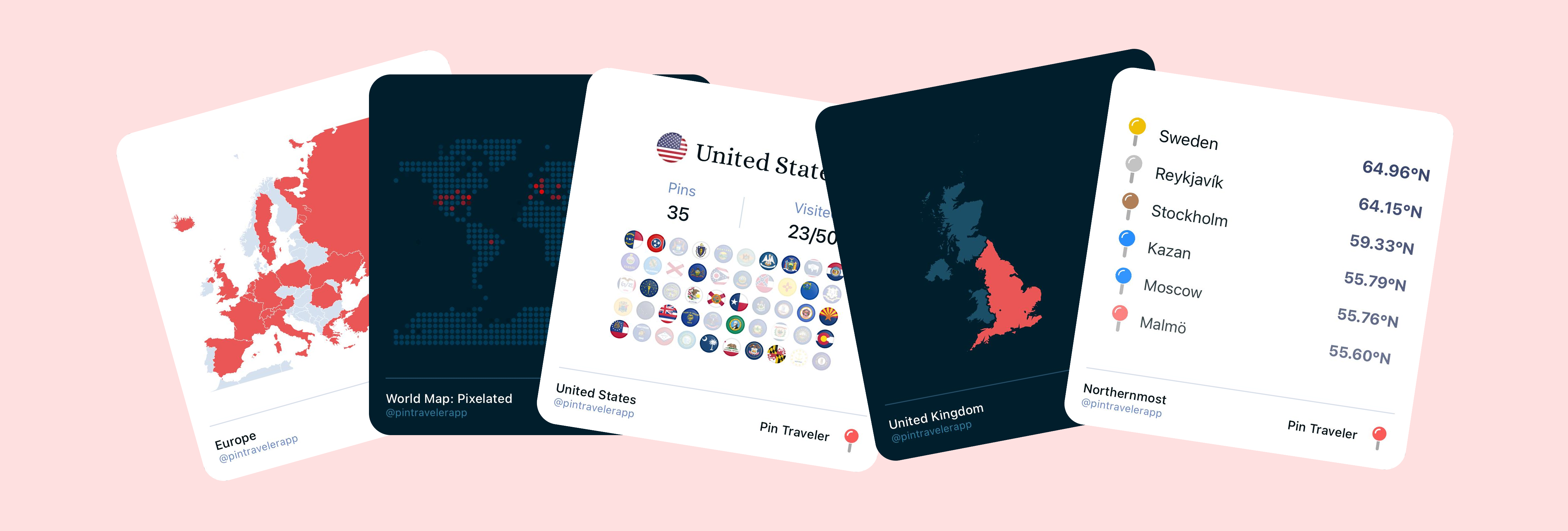
After years of traveling, these are the apps that have become absolutely essential to our journeys. From planning and navigation to communication and payments, here are the must-have apps for modern travelers.
2026-01-20
A travel tracker app records the destinations you have visited on a map and turns them into a permanent, measurable record. Here's what they do, how they differ from journals and planners, and how to choose one.
2026-08-04